

PLAN TOGETHER · EXPERIENCE TOGETHER · REMEMBER TOGETHER
Plan Your Festival Timetable With Friends
Build your personal festival schedule, see which artists your friends want to catch, and save your favorite festival memories. All in one free app.
- Your own personal timetable
- See your friends' picks
- Keep every festival memory
Free on iPhone and Android
SOUND FAMILIAR?
Everyone has their own must-see acts
You're going to a festival with your friends, but everyone has different favorites. The timetable is huge, and the group chat is a mess of screenshots and "who's going to which stage?"
Different tastes, one group
One friend lives for techno, another only came for the headliner.
Clashing sets
Two acts you love, same time slot, different stages.
Who's going where?
Nobody really knows who wants to see what until it's already happening.
Plans all over the place
Screenshots, notes and messages scattered across different chats.
Memories that get lost
Afterwards, everyone's photos and videos end up in separate camera rolls.
It can be a lot easier.
YOUR OWN SCHEDULE
Build Your Personal Festival Timetable
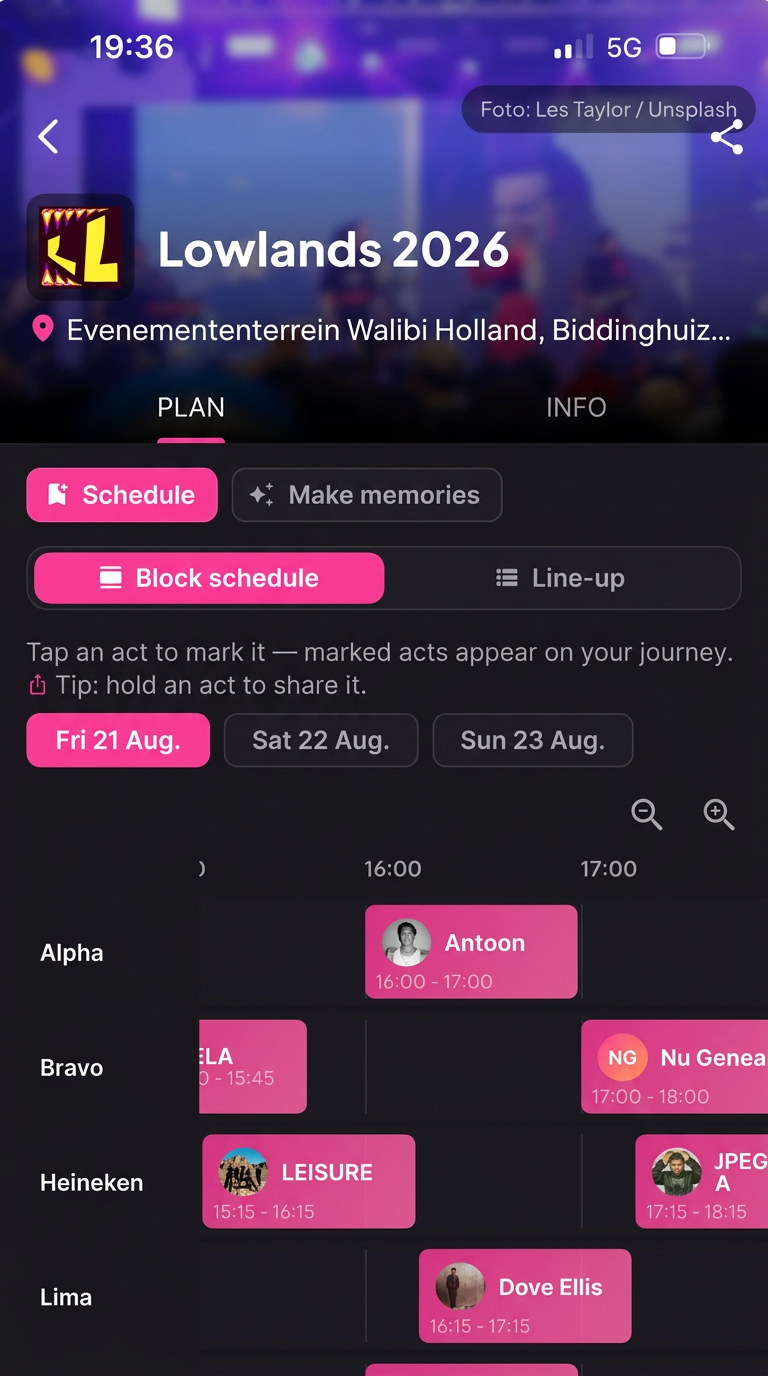
Stuubs gives you the line-up and timetable of your festival, so you can decide which acts you don't want to miss.
- 1Search for your festival in Stuubs
- 2Explore the line-up and timetable
- 3Select your favorite artists
- 4Build your personal festival schedule
- 5Keep track of the sets you picked

BETTER TOGETHER
See What Your Friends Are Planning
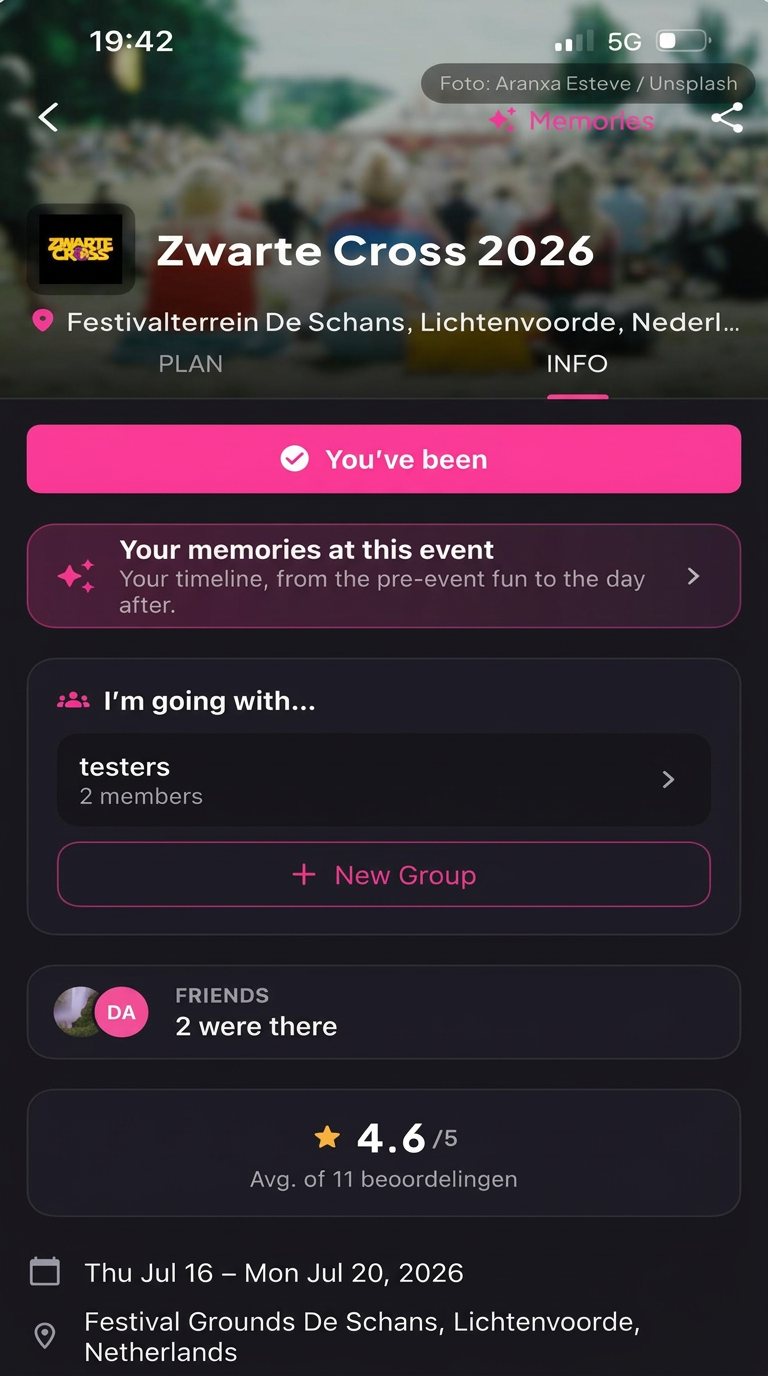
Everyone keeps their own preferences. Stuubs simply makes it visible who wants to see what, so you can find out where your plans overlap.
- Create a group for your event
- Invite your friends
- See which artists your friends selected
- Discover the acts you all want to see
- One place for your whole festival experience
Each friend picks their own acts. Stuubs shows those picks side by side in the timetable.

AFTER THE LAST SET
Your Festival Doesn't End When the Music Stops
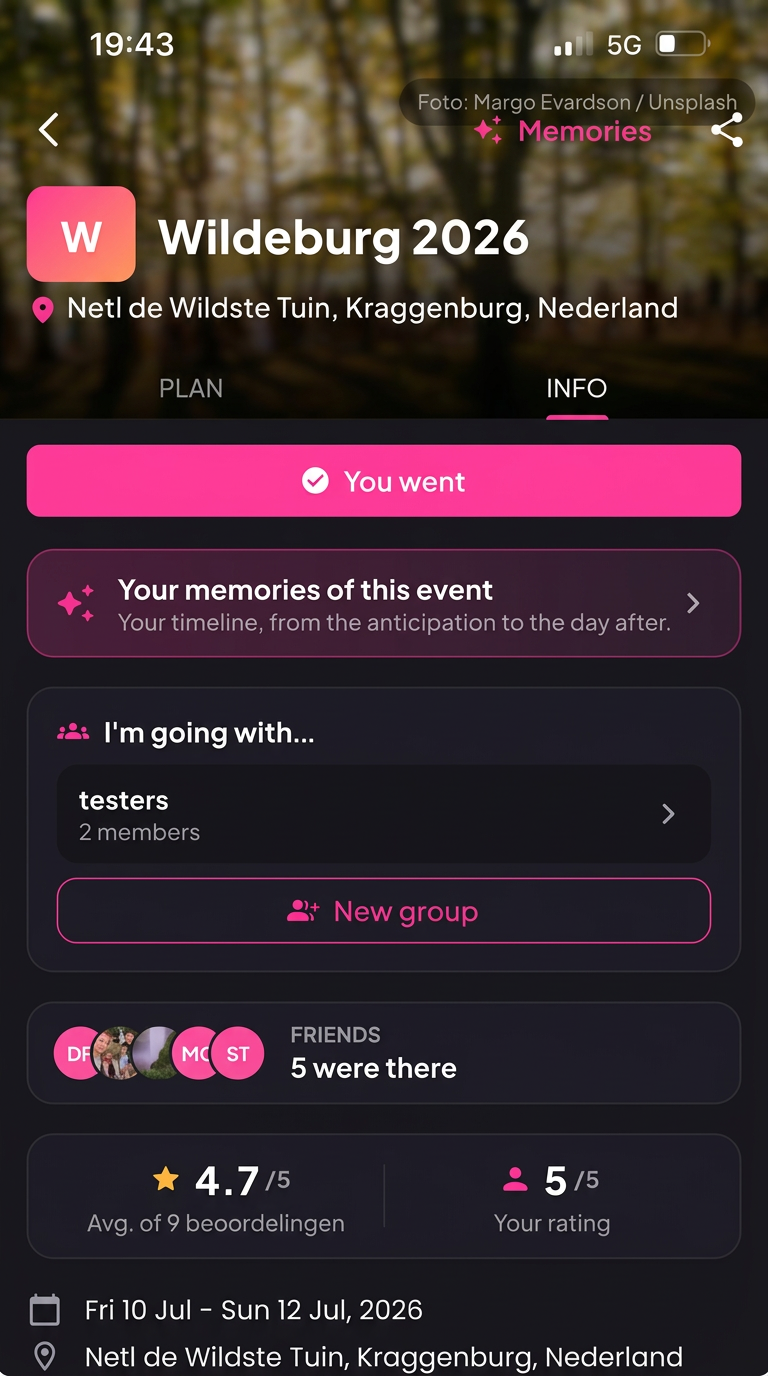
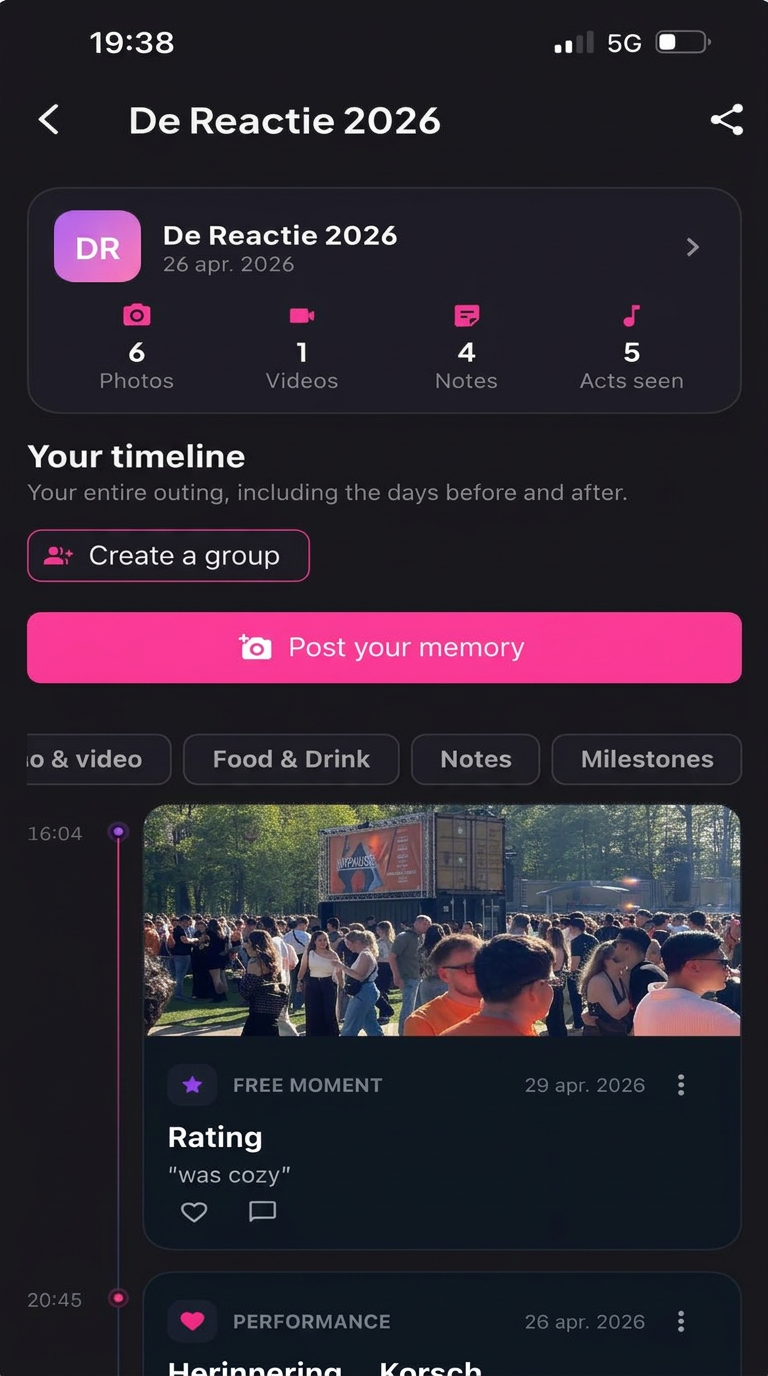
This is what makes Stuubs different. During and after the festival, you keep the moments that made it yours, right next to the event and the artists.
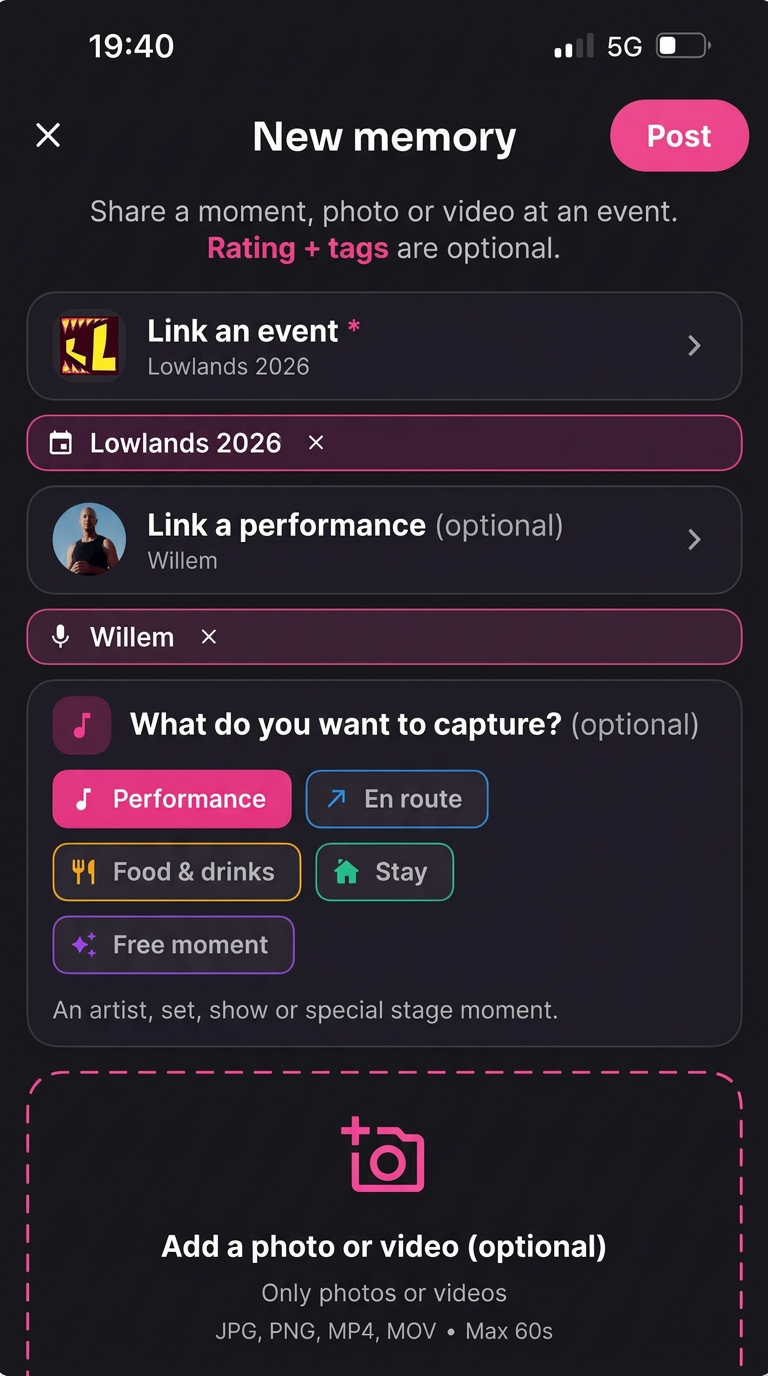
- Add photos and videos
- Write down your personal stories
- Link memories to artists and moments
- Share memories with your event group
- Relive your own or shared festival experience
Why not just your camera roll?
In your gallery, festival photos get lost between screenshots and everyday pictures. In a group chat, they disappear under new messages. In Stuubs, every memory stays tied to the festival, the set and the people you were with.
FOUR STEPS
How Stuubs Works
1. Find your festival
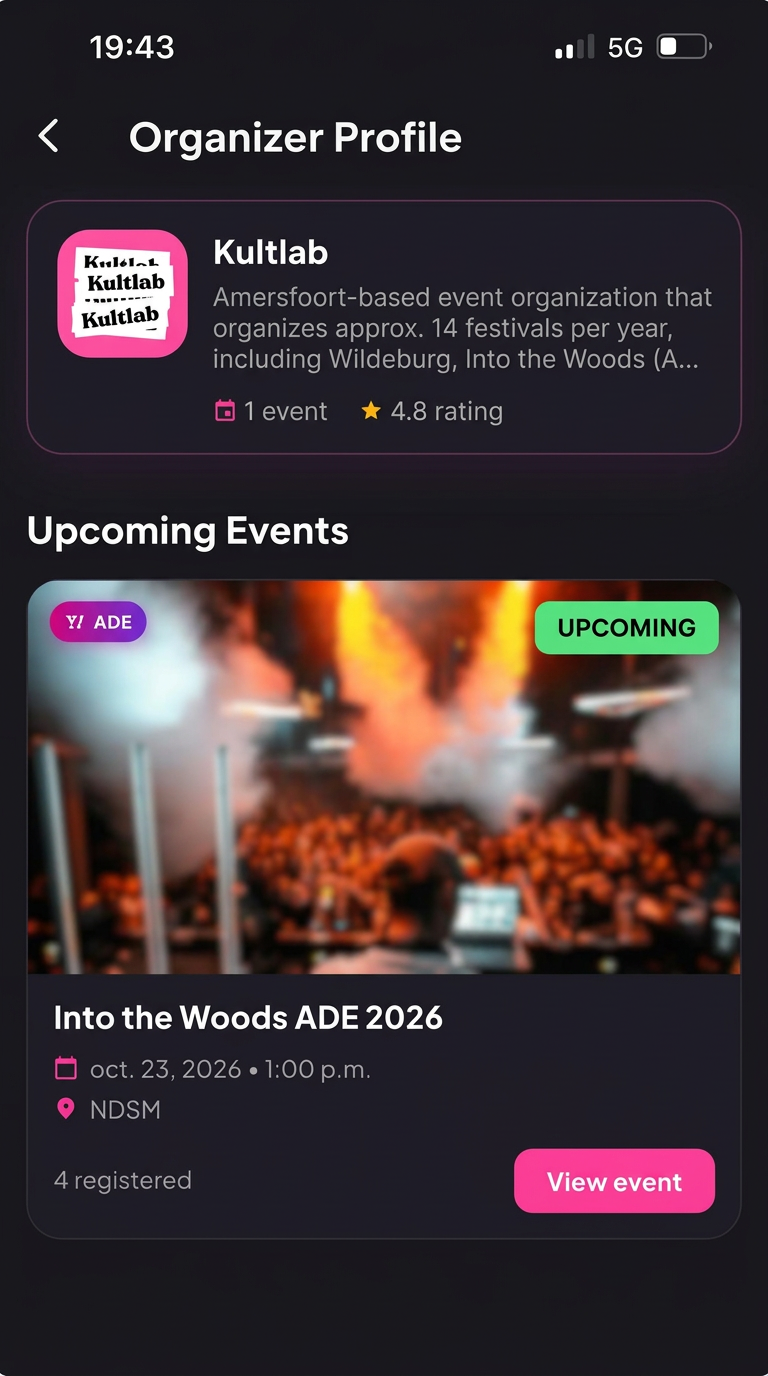
Search festivals, concerts and club nights and check who's playing.
2. Build your timetable
Pick the acts you want to see and create your own schedule.
3. Connect with friends
Create an event group, invite friends and see each other's picks.
4. Capture and relive your memories
Add photos, videos and stories, and relive the festival whenever you want.
FAQ
Frequently asked questions
How do I create my own festival timetable?
Download Stuubs, search for your festival and open the timetable. Select the artists you want to see, and Stuubs keeps them together in your personal schedule.
Can I plan a festival with my friends?
Yes. Create a group for the event and invite your friends. Everyone makes their own picks, and you can see each other's choices in the timetable.
Can I see which artists my friends want to see?
Yes. In your event group you can see which acts your friends have selected, so you quickly find the sets you want to catch together.
Is Stuubs free to use?
Yes. Stuubs is free to download and use on iPhone and Android.
Can I save festival photos and videos afterwards?
Yes. You can add photos, videos and personal stories during or after the festival, linked to the event and the artists you saw.
Can I create a group for a festival?
Yes. You can create a group for each event and invite your friends to join it.
Is Stuubs available for iPhone and Android?
Yes. Stuubs is available in the App Store for iPhone and on Google Play for Android.
DOWNLOAD STUUBS
Your Next Festival Starts Here
Discover your next festival, plan your favorite acts and keep the memories alive.
Free on iOS and Android.